
What is Copelf?
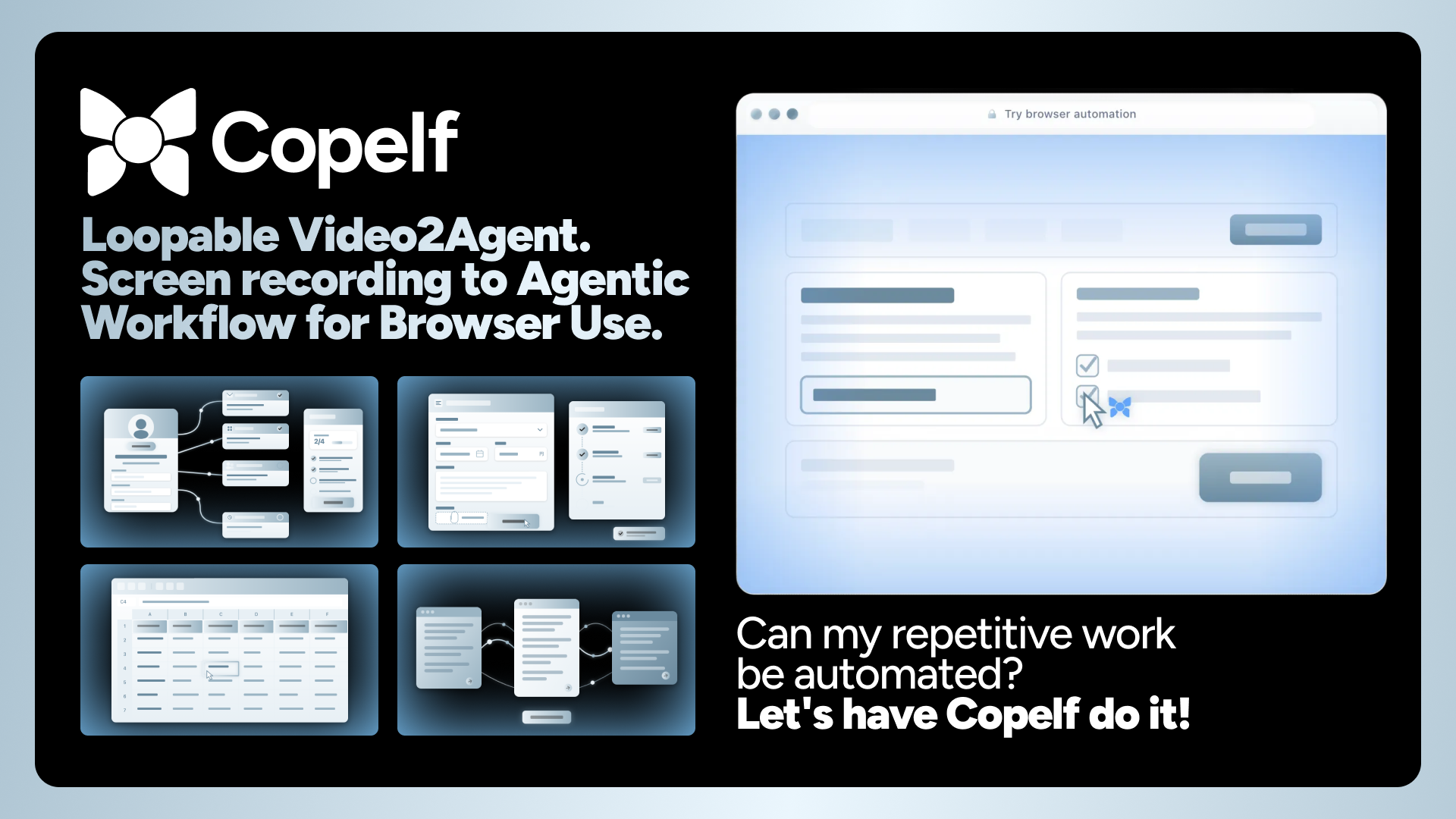
Copelf is an AI-powered browser workflow automation platform built on one core idea: Video2Agent — Watch. Learn. Act.
Record your screen while performing a task in the browser. Copelf's AI analyzes the recording, extracts every operation step, and generates an executable workflow. Then it runs that workflow for you — as many times as you need — through the connected Copelf browser extension in your browser session.
No code. No flowcharts. Just show Copelf what to do.
Key Capabilities
- Video2Agent — Upload a screen recording or capture one via the browser extension, and Copelf turns it into an automated workflow
- 5 Core Actions — Navigate, Click, Fill, Select, and Agent (AI-driven autonomous multi-step execution)
- Variable System — Define reusable variables (String, Number, Boolean, Date, Array, Object) with template syntax like
${variableName} - Execution Modes — Auto (fully autonomous), Manual (you operate the browser), and Approval (AI pauses for human confirmation at critical steps)
- Works with Login-Required Sites — Automate tasks behind authentication walls
- RITSU Format — Workflows are generated in RITSU v0.1 (Agentic Workflow Instruction Syntax), a structured manifest of steps and variables
How It Works
Record
Capture your browser workflow by uploading a screen recording (MP4, WebM, or MOV) or recording directly with the Copelf browser extension.
Analyze
Copelf's AI processes your video through multiple stages — extracting operations, building a RITSU workflow manifest, and validating each step. You can add optional notes to give the AI extra context.
Run
Execute your workflow through the connected Copelf browser extension in your browser session. Track progress with run statuses and per-step screenshots.
Use Cases
Copelf is built for anyone who repeats browser-based work. Common use cases include:
- Ad Management — Automate campaign setup, bid adjustments, and reporting across ad platforms
- Workflow Builders — Chain actions across multiple web apps without custom integrations
- AI Tools — Orchestrate interactions with AI-powered web services
- Niche SaaS — Automate tasks in specialized tools that lack API access
- Employee Onboarding — Set up accounts, permissions, and configurations for new team members
- E2E Testing — Record user flows and replay them as automated tests
- Spreadsheet Tools — Automate data entry and extraction between web apps and spreadsheets
- Internal Tool Requests — Eliminate repetitive admin tasks across internal dashboards
- Cross-Tool Operations — Bridge workflows that span multiple web applications
Safety & Security
Copelf is designed with safety at every layer:
- Connected Browser Session — Runs are sent to the connected Copelf browser extension and executed in that browser session
- Human-in-the-Loop — Add approval gates at critical steps so the AI pauses for your confirmation before proceeding
- Full Visibility — Review per-step screenshots and execution history for every run